Read a document
Open a file from a sheet and move between the source, its pages, and the row’s data.
Open a document
The grid shows your data one cell at a time. Document view shows the file behind a row, a PDF page by page or a recording with its player, so you can read it the way it was meant to be read. Use it to check a value against the page it came from, or just to read the documents.
To open it, click Document above the grid. You can also right-click a row and choose Open in Document view.

The list on the left has every document in the sheet. Click one to open it, or type in Search documents… to find one by name.
Read and move through the pages
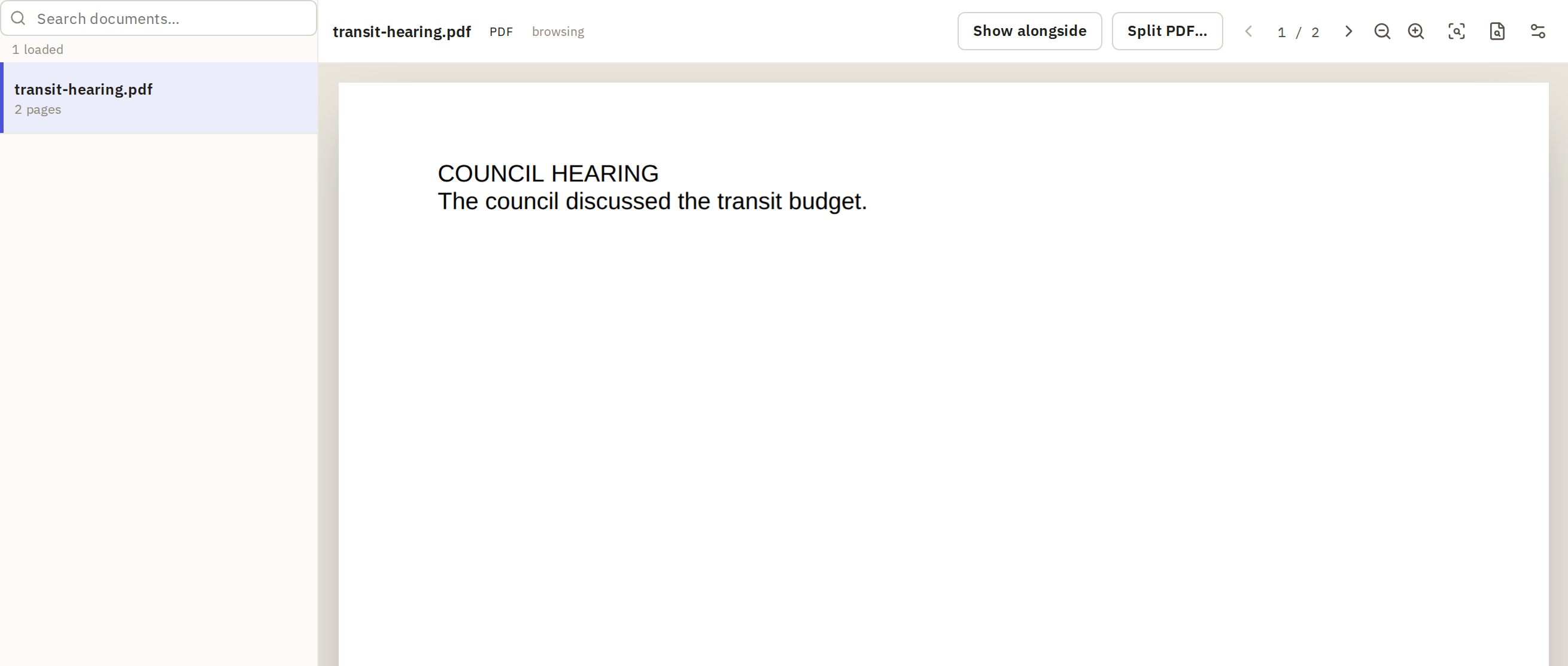
- Use the arrows and the page number at the top to move between pages.
- View options changes the layout: Single page, Two-up or Continuous.
- Find similar searches the project for material like the page you're on. It needs search by meaning.
- For a PDF that holds several documents, Split PDF… splits it into separate rows.
Check values beside the source
To check what an action extracted from a document, click Show alongside and choose the column. Its value for this row appears next to the page, so you can read both at once without switching back to the grid. Use the panel’s column button (Change column) to look at another.
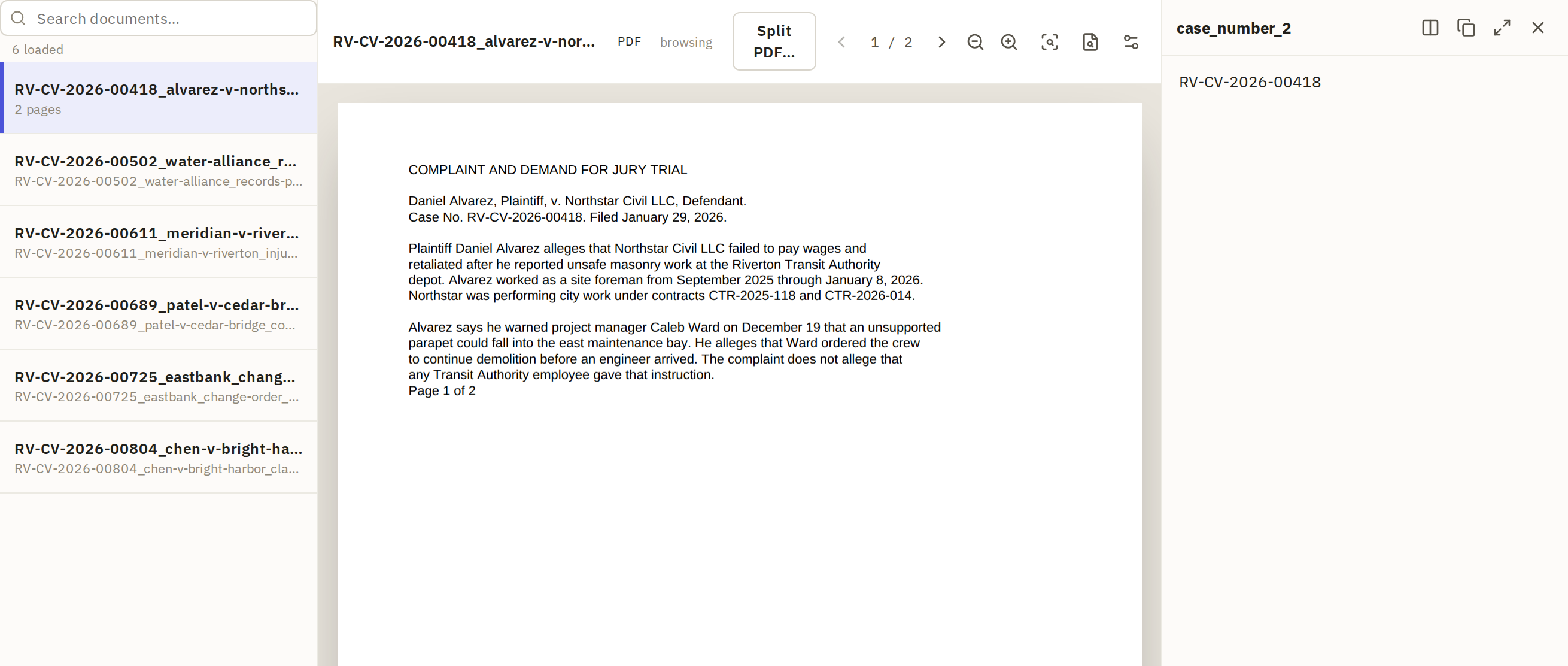
When you move to the next document in the list, the alongside value changes with it. That makes it a quick way to go through a column document by document.
For values with citations, the row's details and Review take you to the exact passage.