Ask your project
Ask a question across your sources, or narrow it to selected sheets, files, or rows.
Choose sources and ask
Ask answers questions about your material in plain language, and shows you which documents its answer came from. Use it when a search would return too much to read, or the answer is spread across several documents: "Which filings mention the Riverton depot?", "What did the council decide about the budget?"
Ask needs the files' text, so make them searchable first.
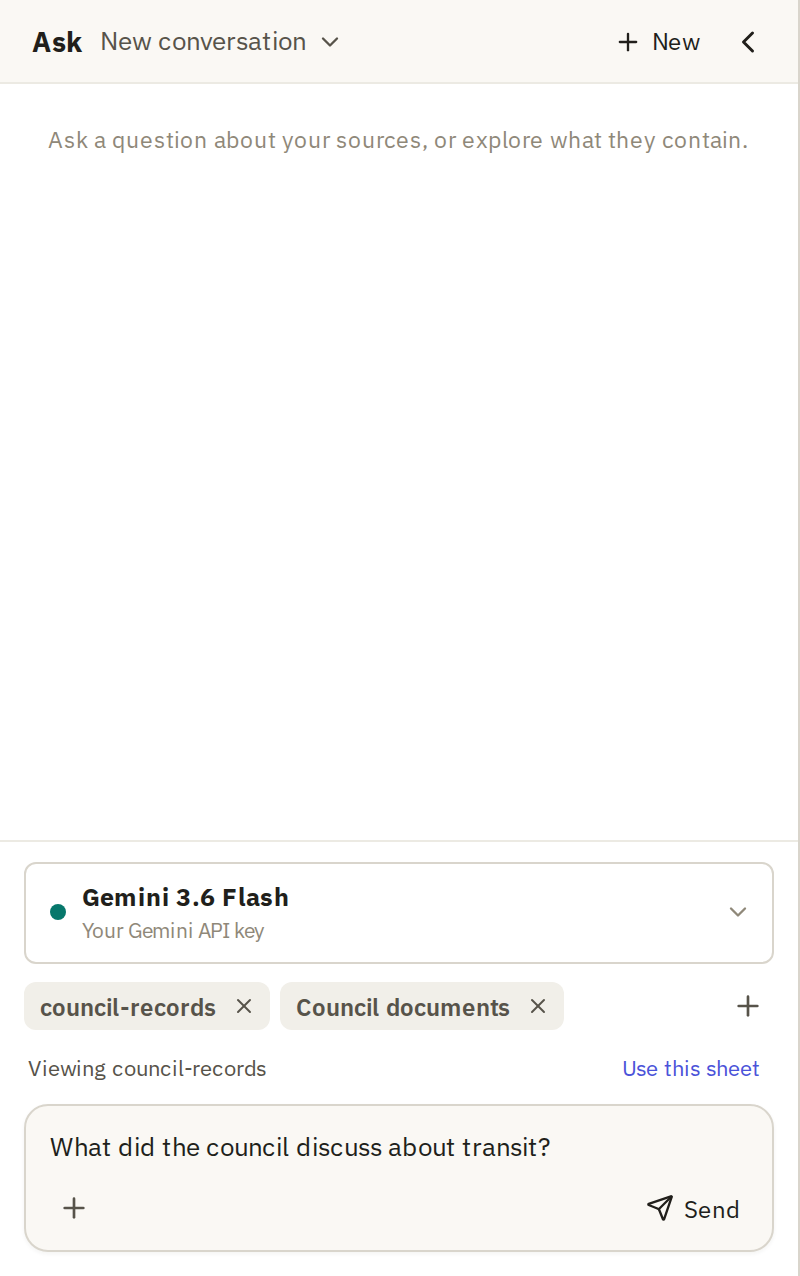
To open Ask, click the robot button beside Command in the top bar. It opens in a panel at the side.

Above the question box, chips show what Ask will read. It follows what you're looking at: the current sheet, or the rows you've selected. Entire project means everything.
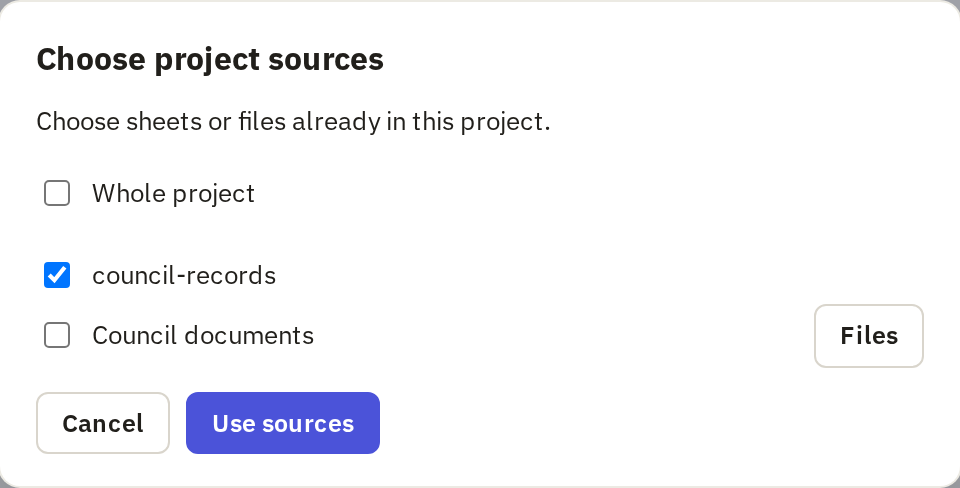
Narrow it when you can. A question about six court filings is answered faster and more reliably from those six filings than from the whole project. To choose, click the + beside the chips (Add sources):
- Whole project reads everything.
- Tick sheets to read only those.
- Click Files to choose individual files within a sheet.
Then click Use sources.
To ask about particular rows, select them in the sheet before you ask. If the chips don't match what you're looking at, click Use current selection or Use this sheet, whichever Ask offers. You can select up to 1,000 rows; for more, choose the whole sheet.
Choose a Model, type your question and click Send, or press Enter.
Check the answer against its sources
Ask puts numbered references in its answer. Each one points to the material behind that part of the answer: a passage, a page, a row or a moment in a recording. Click a reference to see it.
Check the references for anything you'll use. Look for:
- A claim with no reference. Ask may have filled the gap from the model's general knowledge rather than your documents.
- A reference that doesn't say what the answer says. Read the source, not just the answer's summary of it.
- Sources you'd expect but don't see. If a document you know is relevant isn't cited, check it's in the chosen sources and searchable.
Type a follow-up in the same box to narrow or correct the question. Ask keeps the conversation. Click New to start a fresh one; earlier conversations are listed in the menu at the top of the panel.
Choose additional options
Click + below the question box for more options:
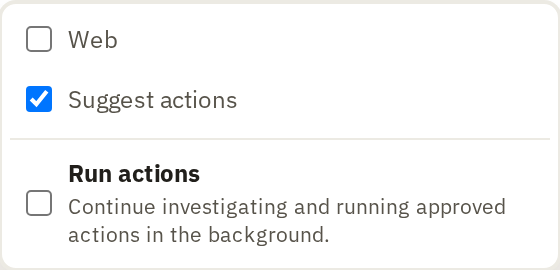
- Web, off by default, lets Ask search the web as well as your project. Use it when your question needs outside context, such as what a law says. Web sources are marked separately, and you can save one to your project.
- Suggest actions, on by default, lets Ask propose an action, such as extracting a field from every row. It doesn't run it: you click Open action, check the settings and run it yourself.
- Run actions lets Ask carry out a longer investigation by itself, running actions you approve.